Proper reading posture
How To Eliminate Neck, Back and Shoulder Pain
When Reading or Typing

Proper reading posture
How To Eliminate Neck, Back and Shoulder Pain
When Reading or Typing
Sitting with the right leg height. When you sit in a chair for a long period of time, it is important that blood circulation to your legs continues. To this end, you should sit so that your thighs are parallel to the floor when your lower legs are perpendicular to the floor. In other words, the front of your seat should not cut off the blood supply in your legs. You can always use a little foot platform to lift up your feet and legs, if you need to have your seat higher than otherwise permissible.
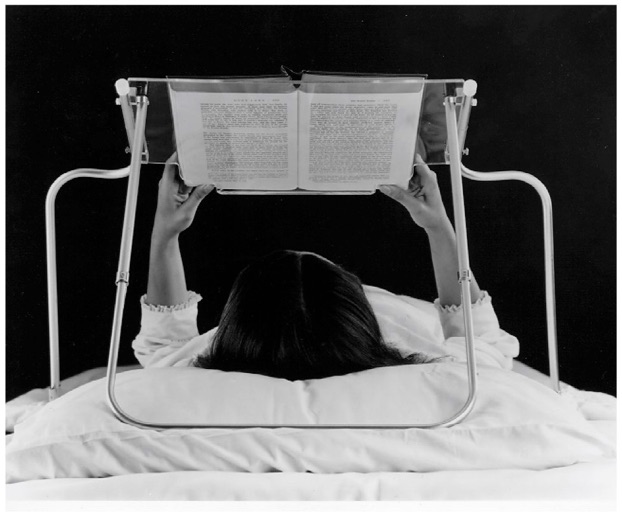
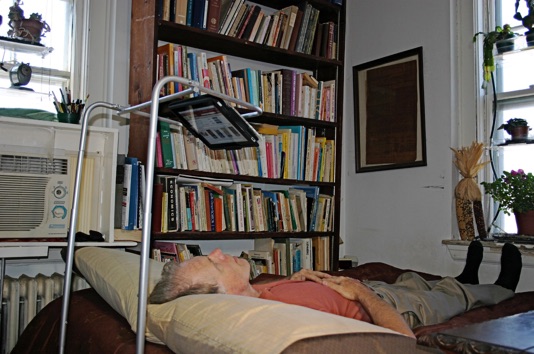
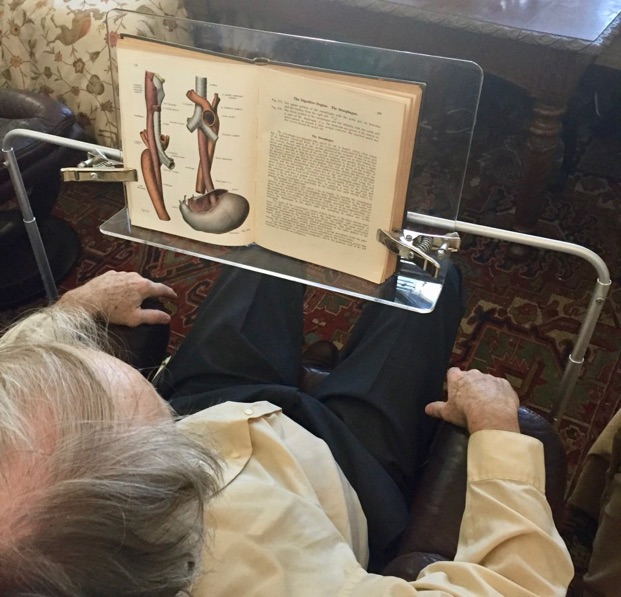
Sitting back with proper neck, shoulder and upper back support. It is very important to support your neck and shoulders as you read. Hunching forward is almost guaranteed to cause neck and back pain and reduce your focus, concentration and the amount of time you can read. The proper approach is to sit back with your neck and shoulders supported. This means you are sitting against support just past the vertical position. You will note that your relaxed line of vision rises up when you do this. This is why E-Tool has the book raised up, so as to match your new, relaxed line of vision, now that you are sitting with proper neck and back support. Your seat and the back of your chair should be cushioned.
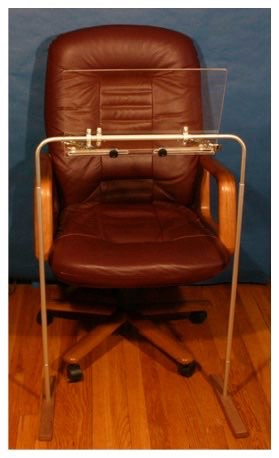
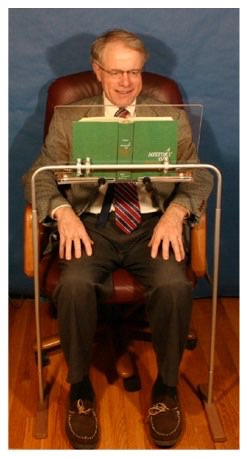
Head Tilt. Do not bend your head down to read. You should not lower your head to read. This causes a lot of neck stress. Set the height of E-Tool properly for your seat, which you may be able to raise or lower.
Elbows. Do not raise your elbows awkwardly to type. Doing so will cause a lot of stress on your shoulders. Ideally, you should rest your elbows on side rests or side arms, adjusted so that the weight of the arms is off the shoulders.
Wrist position. Ideally, when you type, your forearms and the back of your hands should be all on one flat line. Your laptop can be in your lap, or you can use an extended keyboard if necessary, placed in a comfortable position, like on a lower keyboard tray or on a pillow in your lap. With an extended keyboard, your laptop can be on a table and at some distance from the extended keyboard. If you need to raise your hands and forearms substantially, tilt the back of the keyboard up to compensate, so that the flat line discussed above is maintained.
Forearms. Do not type with your forearms below your armrests. This is also very awkward. If you are sitting in an armchair, place your extended keyboard or laptop on a small pillow or attaché on your lap. This will allow you to use the armrests and type with level forearms. Your mouse can rest on a small side table. You can quickly place the keyboard or laptop on this side table or main table if you need to get up.
Lumbar support. Make sure your lumbar area is supported by a small pillow or bend in the back of your chair. Otherwise, you are going to have pain.
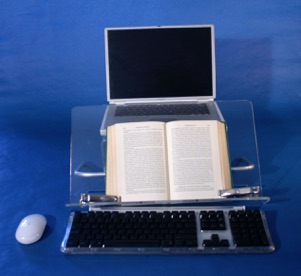
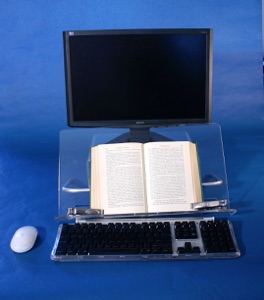
In-Line reading and typing. As you work you should not have to turn your head from left to right. The centers of your keyboard, screen and workspace (for books or papers) should all line up on the same centerline. Turning your head repeatedly is a sure way to hurt yourself and loose concentration and accuracy, especially when editing, transcribing or entering data, or taking notes from reading. Book Holder makes possible in-line work. Make sure you line up your work elements properly. See many more pictures at Book Holder.
By far the easiest and quickest way for anybody to improve his or her reading concentration is to remove physical discomfort when reading. Also, typing notes as you read greatly increases concentration and comprehension.
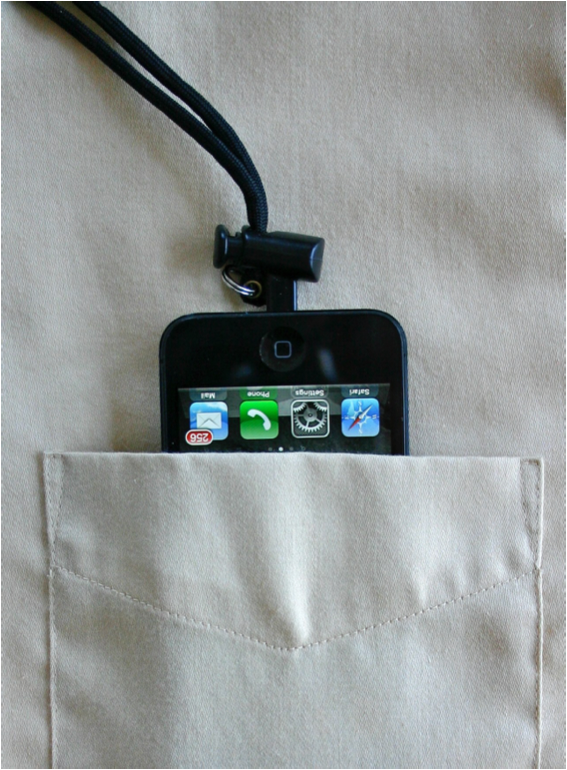
Adjustable Neck Strap for Your iPhone
The Following Products Will Help You Achieve Proper Reading Posture:
Book Maid for In-Line Reading and Typing on Desk or Table
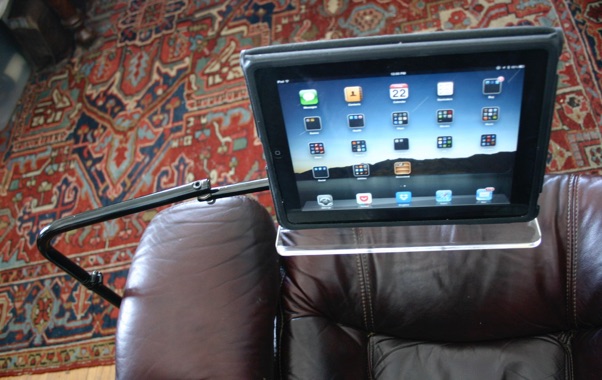
Our iPad/Tablet Floor Stand. You can not concentrate or read well for any length of time if you are in pain or discomfort.
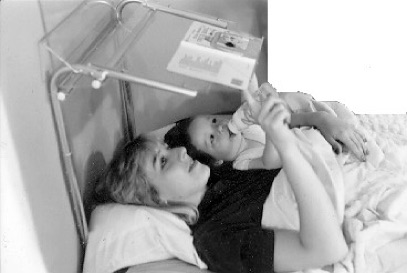
Bed Readers to Read Comfortably Lying on Your Back